

1、After successfully logging in “p.nju.edu.cn,” you may select the option无感知认证 (“non-perceptional authentication”).
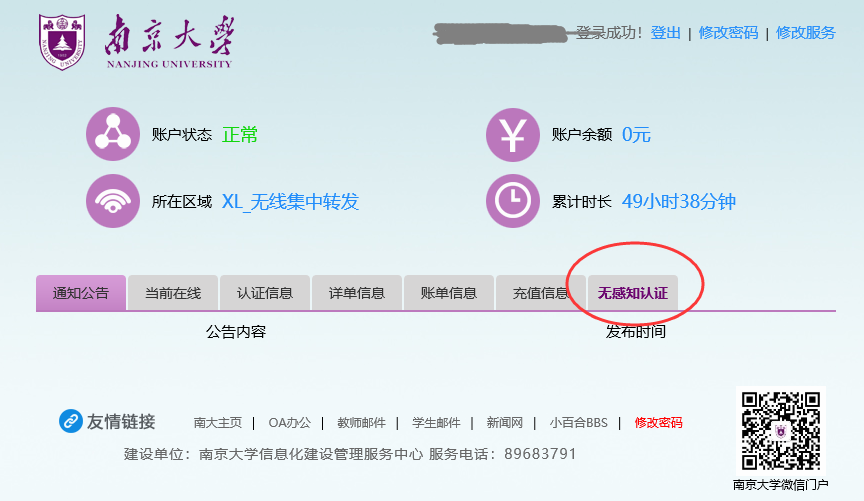
2、Enable the corresponding non-perceptional authentication device.

3、Click the button 启用 (“enable”), and a dialog box will pop up to remind you that devices that enable non-perceptional authentication will automatically connect your computer to the Internet, accumulate the online time and thus affect your network fee. If you want to enable this function, select 确定 (“confirm”). If not, select 取消 (“cancel”).
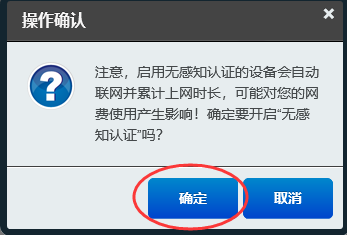
4、After 确定(“confirm”) is selected, the current device successfully enables the non-perceptional authentication mode.
