

MATLAB Campus-Wide License Learning Resources(2019 Version)
1.MATLAB Online Free Tutorials:
https://matlabacademy.mathworks.com/
Learn MATLAB Basic Support with interactive courses and exercises. The self-paced course lasts 2-3 hours and accessible through Web browser. You can get automatic online evaluation and feedback by then. You can access the courses by logging in your Campus-Wide License account (Please visit your school Intranet to confirm the account registration steps).
MATLAB Onramp: Free, 120 minutes. Get started quickly with the basics of MATLAB
Simulink Onramp: Free, 180 minutes. Get started quickly with the basics of Simulink, R2018b or above version is required
Deep Learning Onramp: Free, 120 minutes. Get started quickly using deep learning methods
Stateflow Onramp: Free, 180 minutes. Get started quickly to create, edit, and simulate state machines in Stateflow


2.MATLAB Advanced Courses
https://matlabacademy.mathworks.com/
More than 100 hours of courses, including Core MATLAB use, Scientific Computing, Data Science and other directions, a total of 11 courses.

3.MATLAB Online:
https://www.mathworks.com/products/matlab-online.html
Log in MATLAB Online by simply connecting to the internet. MATLAB Online makes you able to access to MATLAB through any standard Web browser. It is ideal for teaching and easy access. In addition, you can always use the latest version of MATLAB.

4.MATLAB Courseware
https://www.mathworks.com/academia/courseware.html
We have developed a series of teaching kits by collaborating with professors from universities around the world (Including the teaching outline, PPT courseware, homework exercises, teaching video, MATLAB code).
*Introduction to Programming
*Introduction to Engineering
*Bioengineering and Biological Sciences
*Chemistry
*Earth, Ocean, and Atmospheric Sciences
*Electrical and Computer Engineering
*Mechanical and Aerospace Engineering
*Mathematics
*Physics and Astronomy
Please contact MathWorks Academic Group for more resources at:
academic_cn@mathworks.cn
5.MATLAB Grader:
https://www.mathworks.com/products/matlab-grader.html
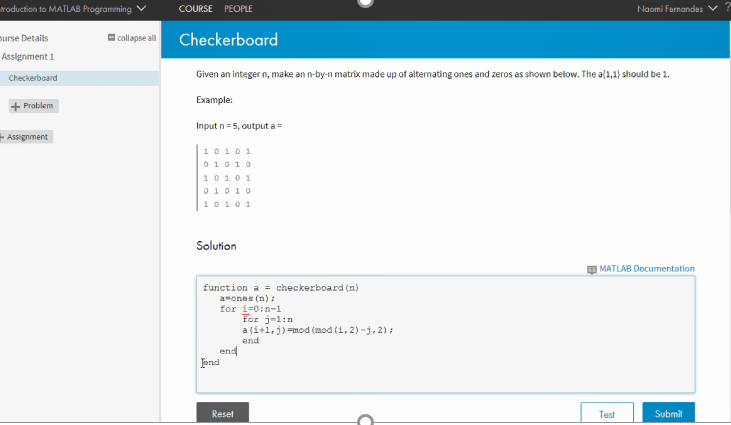
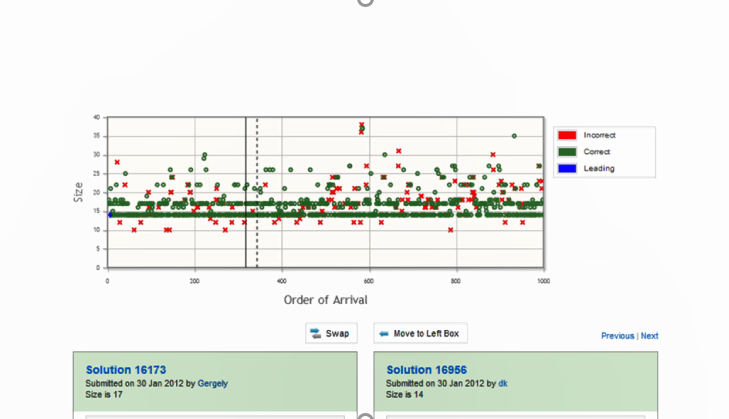
The online grading system is a visual, web-based environment that allows you to create MATLAB course assignments for students, automatically grade assignments, and provide feedback.
Please contact MathWorks Academic Group for more resources at:
academic_cn@mathworks.cn
6.Recorded Webinar and Video
https://www.mathworks.com/videos.html
https://i.youku.com/mathworks
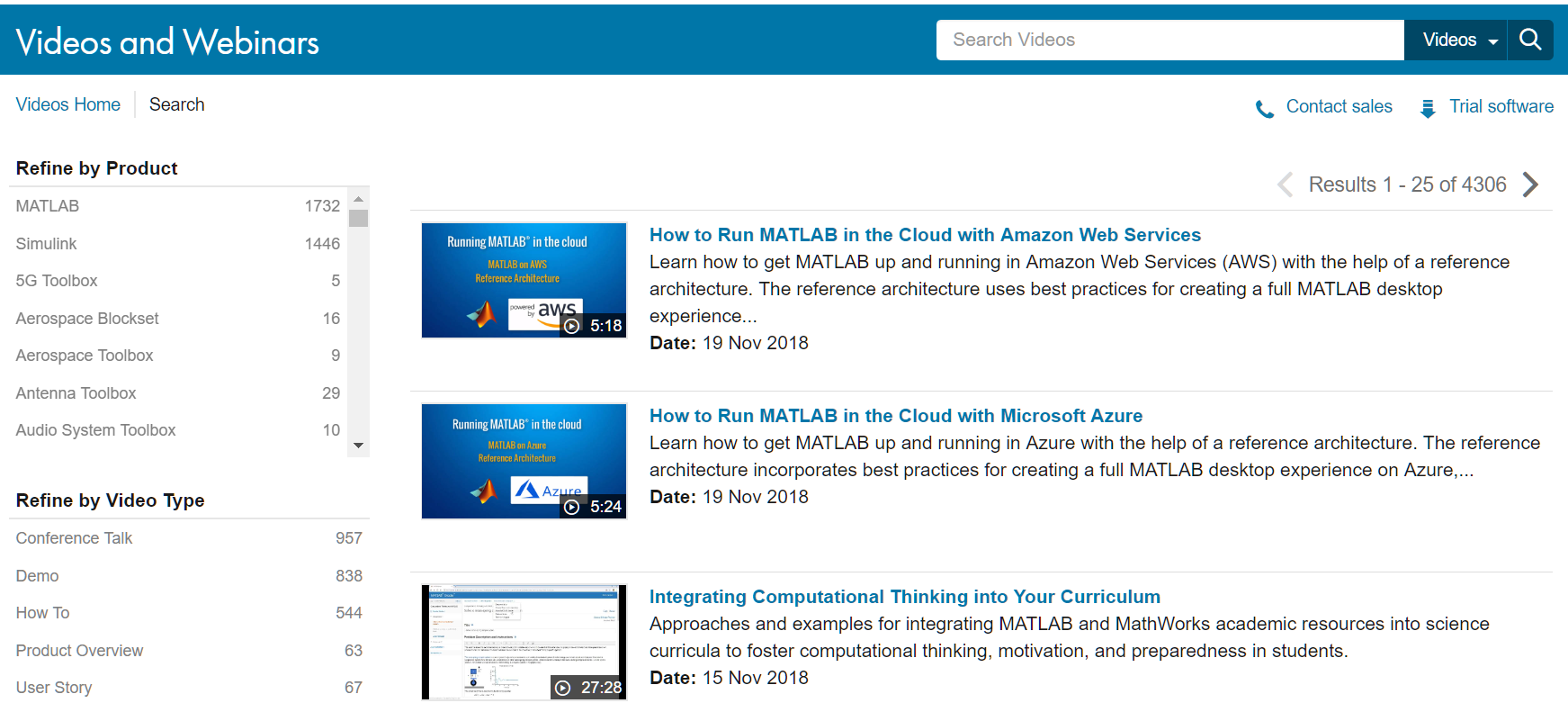
Watch product overview, member interviews, webinars, tutorials, presentations and user stories online.
7.MATLAB Demo and Example:
https://www.mathworks.com/examples/
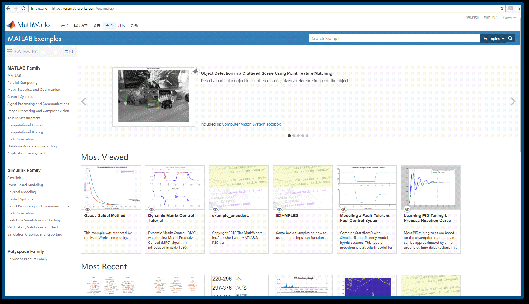
Abundant operational examples that can be retrieved and downloaded by products.
8.File Exchange:
https://www.mathworks.com/matlabcentral/fileexchange
The file sharing system of MATLAB user community contains the code and model of various disciplines, developed by MathWorks and MATLAB users.
File Exchange content includes:
*MATLAB function
*Apps
*Examples
*Simulink models
*Additional Algorithm Library (Such as deep learning network AlexNet, VGG19 and so on)
*Instrument Drivers
*Hardware support package

9.Explore featured functions:
Through video, examples, software reference materials and other resources to explore the featured functions of MATLAB and Simulink.
Currently includes:
*Computer vision
*Industrial automation and machinery
*Signal processing and communications
*Statistics, optimization and machine learning
*Control system
*Code generation and verification
*Image processing and mapping
*Other multiple applications

Scan the QR code with WeChat. Visit MathWorks official WeChat platform